
What German Gamers Should Check Before Paying for a 600Hz Monitor
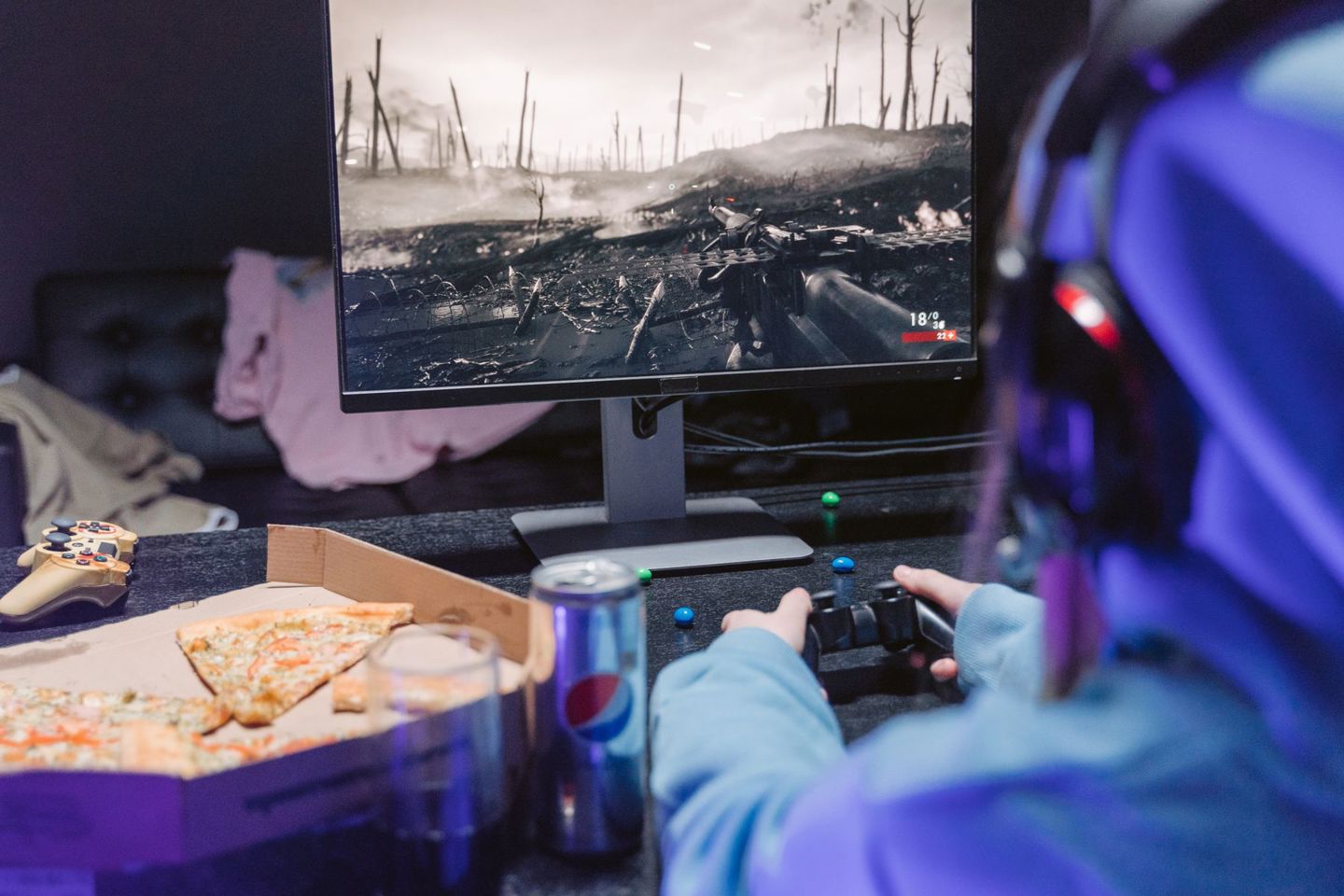
Display makers are pushing refresh rates past 500Hz and toward 1,000Hz. Resolution, graphics power and game type decide who actually gains from the numbers.
Browse any electronics shop this winter and the boxes shout figures at you. Numbers like 360Hz and 540Hz now give way to 1,100Hz on Samsung’s newest spec sheets. Buying by Hertz alone invites disappointment, since a monitor can only display what the graphics card sends it. Before trusting any figure, look at how a test is scored. German outlet Glücksspielradar publishes its Gaming-Monitor Test approach with the weights attached: motion handling takes 25%, base image quality 20%, adaptive refresh and connectors 15% each. Seen through that scorecard, Hertz becomes one line among seven. Frame time follows simple math, with 1 second divided by the refresh rate putting 144Hz at roughly 6.94 ms per frame.
Why are refresh rates climbing so fast?
Up to 1,100Hz: Samsung gives that figure for the 27-inch Odyssey G6, model G60H2, a Fast-IPS screen shown at Gamescom in Cologne and detailed in Samsung’s Gamescom lineup for 2027. Its Dual Mode switches between HD and QHD, with up to 600Hz on offer. Samsung lists worldwide availability for the second half of 2026, with German pricing still to come.
Ceilings like these describe a panel under ideal conditions. Reaching them depends on the game and the graphics card feeding the screen.
Does native resolution change the headline figures?
Peak numbers come with fine print. Samsung’s Odyssey OLED G8 shows the trade neatly: UHD at 360Hz, FHD at 680Hz. Sony’s Inzone M10S II lands at 540Hz for 1440p and 720Hz once you drop to 720p, according to T3’s review.
Dropping resolution costs clarity. Text edges soften (small interface elements suffer first) and far-off targets lose definition. Motion turns snappy in return. Treat those modes as a competitive extra and native QHD as the everyday setting.
Speed and sharpness share the spotlight now
Friday night, a cinematic single-player epic loads on a 4K OLED panel. Detail fills the screen. Frame counters fade from mind.
Tom’s Guide tests a 6K Samsung Odyssey G8 at 165Hz and Lenovo’s Legion Pro 32UD-10 at 240Hz on 4K OLED. LG’s UltraGear 27GX790B-B pushes 1440p OLED to 540Hz. Cinematic titles reward detail; competitive shooters reward motion handling. Pick a pace: slow exploration craves colour depth, fast duels crave clean motion.
Graphics power belongs in each test. At 540Hz each frame lasts roughly 1.85 ms, so the card has to render over 500 frames per second to fill that schedule.
Who benefits from esports screens?
Tournament players qualify first. Sony’s 27-inch Inzone M10S II, an RGB Tandem WOLED priced at €1,349 in the EU, targets PC competitors, according to T3. Matte coating replaces the old glossy finish. T3 puts peak brightness at 1500 nits and calls the changes from the previous model modest. Consoles top out at 1440p on the panel, which makes it a specialist buy.
Casual players often notice real gains from resolution, HDR or screen size. Samsung’s 42-inch curved Odyssey OLED G7 offers 4K at 165Hz. Open-world games reward that canvas.
What belongs in a full monitor test?
Hertz makes a tempting shortcut. Quality hides in the details, which is why Glücksspielradar’s own procedure runs six steps in a fixed order, from factory settings to HDR checks. Full tests also cover:
- Response behaviour, including how a “1 ms” claim was measured, since makers usually quote grey-to-grey between 10% and 90%
- Variable refresh rate support for G-Sync and FreeSync setups
- HDR tier, such as DisplayHDR TrueBlack 600 on the Odyssey OLED G8
- Motion clarity at the refresh rate you actually run
- Ports, text clarity and burn-in considerations for browsing and creative work
- Menu layout and input options for a PC and console setup
Online sessions also lean on a steady connection, so router placement and band choice deserve a look. Plain-language steps in a guide to Speedport router settings cover the basics.
Which setup suits which player?
Four profiles cover many desks. Each target below echoes models mentioned above. Samsung’s Odyssey OLED G8 adds USB-C with 98 W power and KVM support, handy for a desk shared between a gaming PC and a work laptop.
| Player | Priority | Sensible target |
| Esports on PC | Motion handling | 1440p OLED around 540Hz, with 720p modes for tournaments |
| AAA single-player | Detail and HDR | 4K OLED at 240Hz or a 6K panel at 165Hz |
| Console player | Platform fit | 1440p at 240Hz, as on PlayStation’s 27-inch monitor |
| Gaming and creator desk | Ports and text clarity | 4K with USB-C power and KVM support |
Final Thoughts
Extreme refresh pays off when your library and graphics card can use it. Check what frame rates your favourite games reach at native resolution. If results land far under the monitor’s ceiling, extra Hertz goes unused. Resolution, HDR or screen size deserve the budget in that case. Seeing motion at your own settings on a friend’s desk settles doubts quickly. Buy the Hertz your hardware can feed.